

As a photographer, I’m often asked the question, What’s the best camera? My answer almost always disappoints: Your cell phone!
And I’m serious. If you have a late-model iPhone Pro (or one of the other brands), you have an incredible picture-taking machine. But that answer never satisfies—people seem to want to buy something, to buy a bigger, more complex camera that they might not really enjoy, one they might not carry with them to put to actual use.
I’ve never had a better answer for the “what camera to buy” question but for this post I’m going to try something new. I’m going to attempt to build a sort of ladder. A series of steps a person might take to improve their photography gear (and their photography) without jumping all at once into something inappropriate for their needs.
Here we go.
Ladder step one: Start with your iPhone and consider its capabilities.
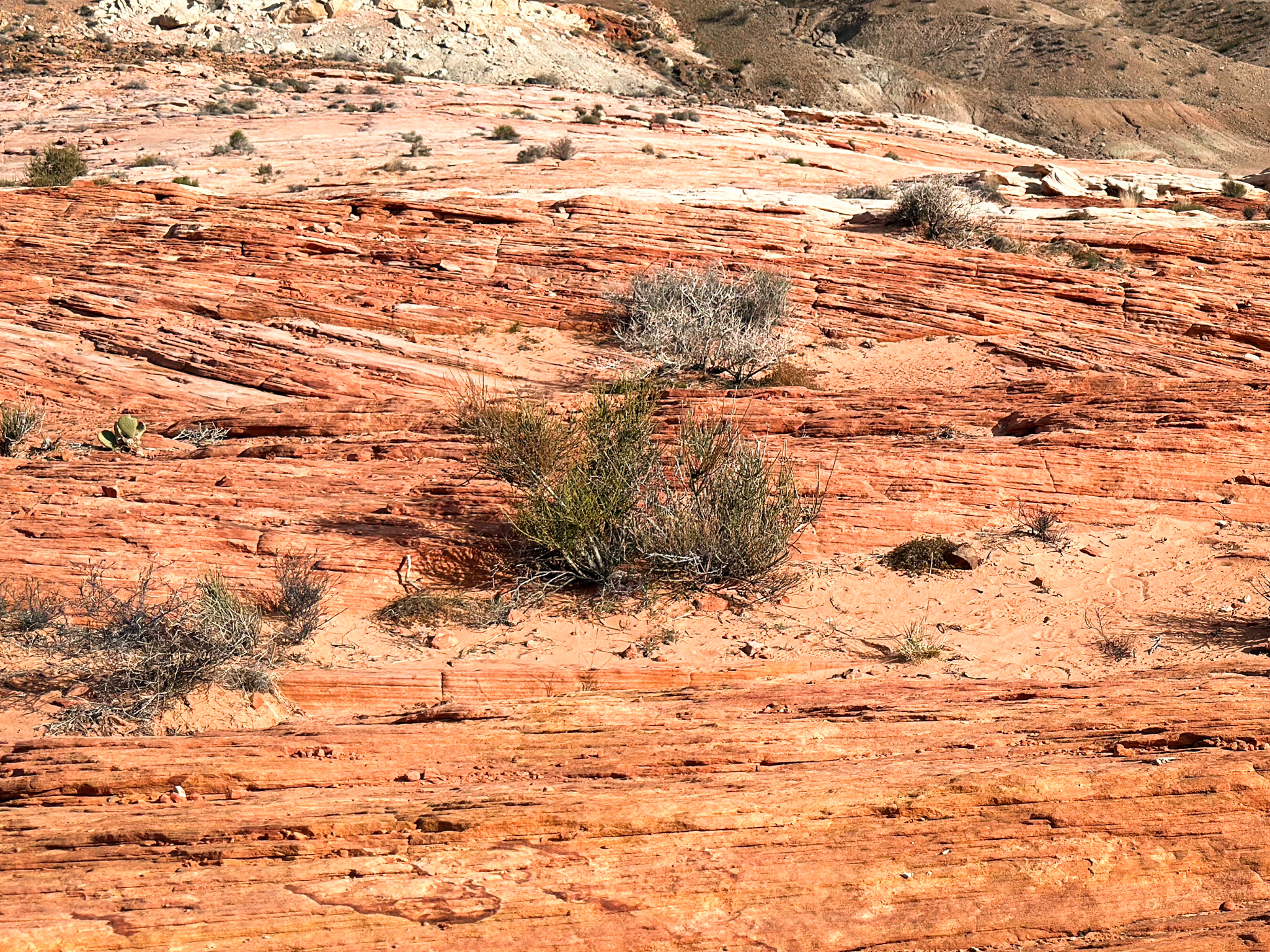
Consider whether you have explored the phone’s full functionality. iPhones, you might not be surprised to hear, can do things that “real cameras” can’t due to all of that computational power.
Low-light shooting: iPhones excel at low-light shooting. They use a rapid-fire series of images (most taken before you press the shutter, such is the magic of computational photography) which it then blends in a complicated way to achieve what used to seem impossible—the ability to handhold a photograph in places so dark you can barely see, let alone shoot images.
High-resolution: The new phones (the Pro models) have high-resolution modes, which are extraordinarily good, extraordinarily detailed. You might not be printing giant-sized images on paper, but this high pixel count gives you great freedom to crop an image and still maintain good quality. You can think of it as being able to zoom in on a photograph after you’ve taken it.


Multiple lenses: My iPhone, an iPhone 16 Pro Max, has five lens magnification settings, though it might appear to be only three—two are reached by tapping two or three times on the 1x lens button. The phone also has great close-up capability (which is a separate lens on big cameras).
So many powerful options, already in your pocket. I highly recommend working with these before buying new gear.
Ladder step two: Go deeper with your iPhone camera.
It’s all about apps, baby.
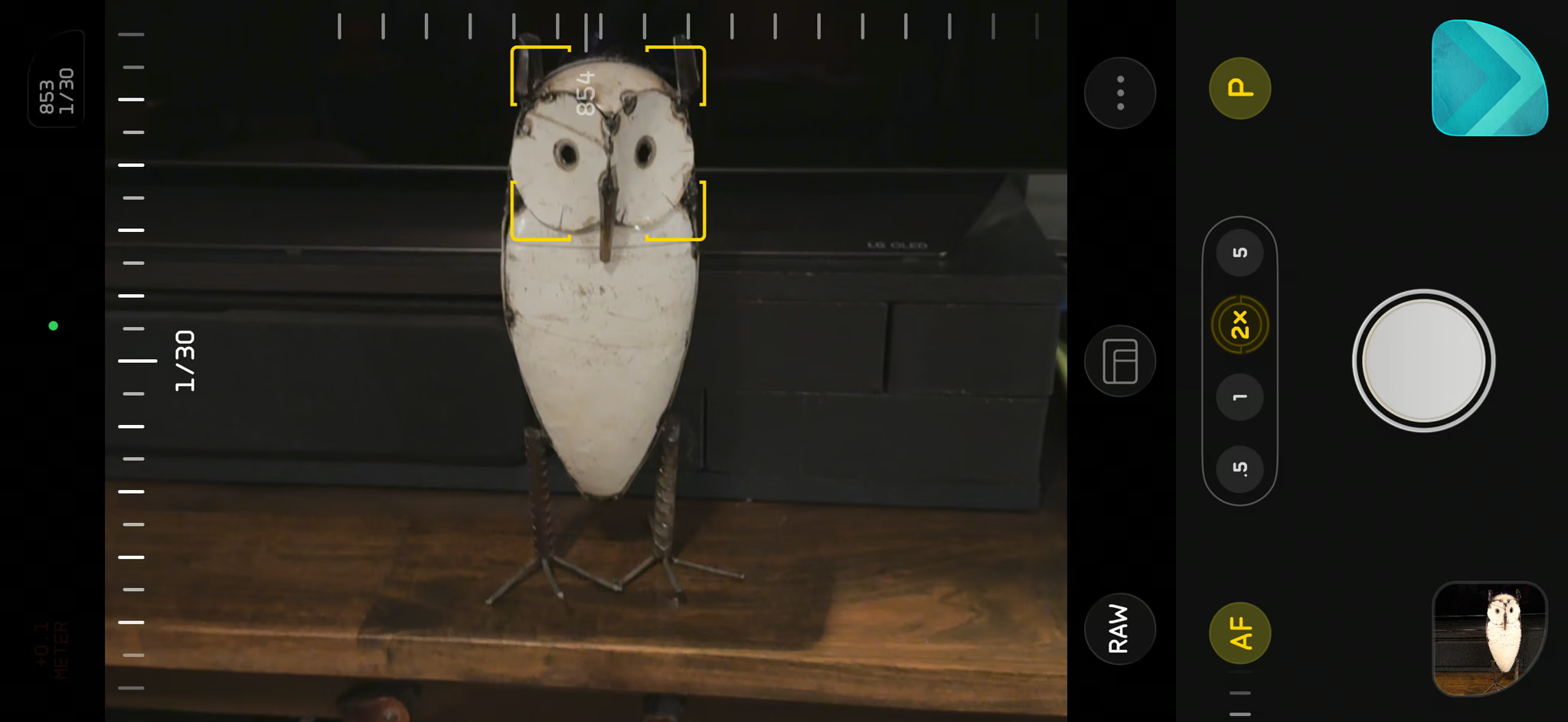
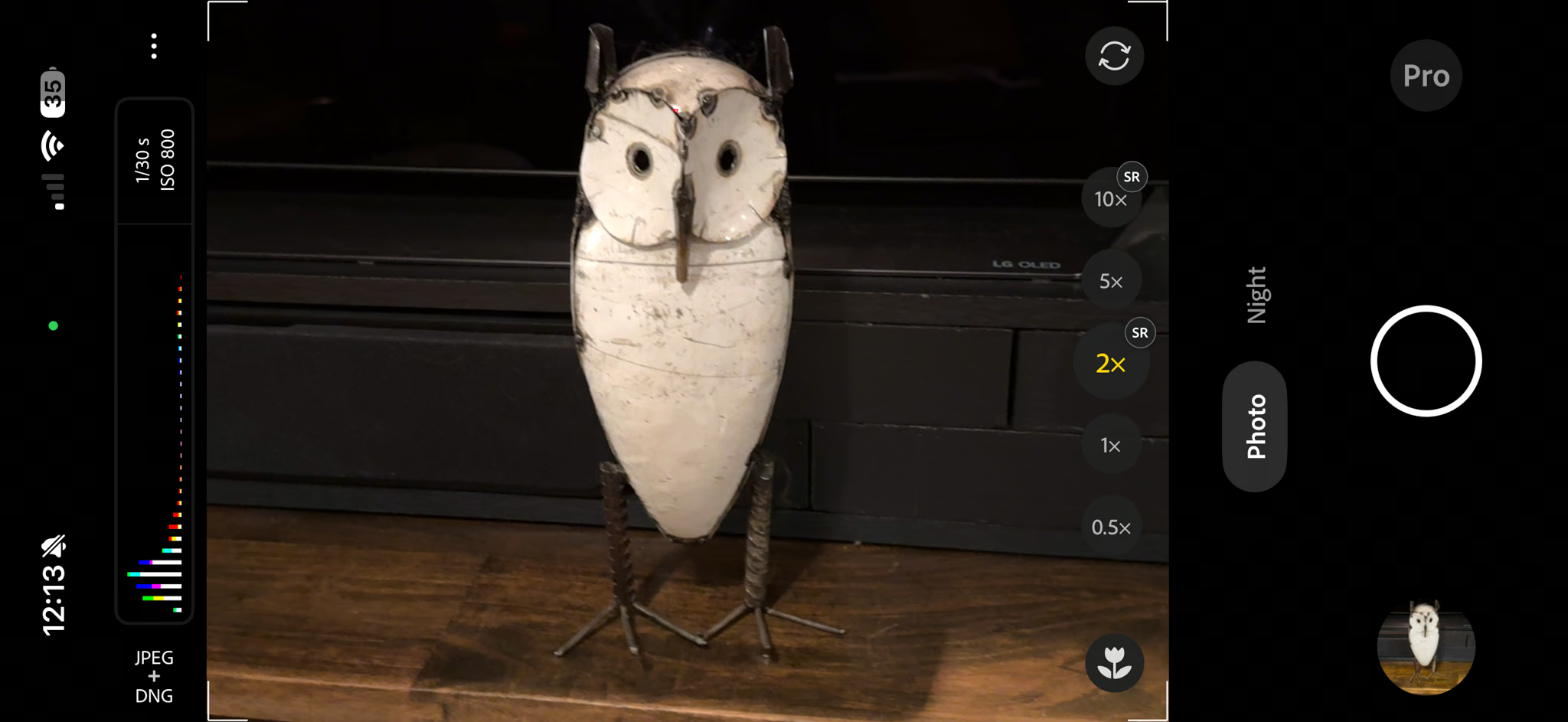
Learn the Apple Camera app: The built-in Camera app seems simple, even simplistic, but it has a wealth of hidden features. The different modes displayed along the bottom, modes like Portrait and Pano for stills, and Slo-Mo and Time-Lapse for video, are visible and self-explanatory, but each has hidden subsettings that, for an interested user, can expand the capabilities of the app in creative ways. For example, swiping up in Photo mode reveals options for adjusting the exposure, a set of pre-defined styles, and alternative aspect ratios.
Halide and other camera apps: Apple isn’t the only camera app game in town. Halide is especially interesting as it is aimed at serious photographers who are trying to make serious photographs with their phone. It has even more options than the Apple app, and the options are a lot less hidden. These options include zebras, to help you see overexposed areas, a histogram display, and their own version of RAW processing. Adobe, too, has an interesting app out, new and sort of experimental, called Indigo. It claims to give a more big-camera look to iPhone images.
Link: Halide Camera App
Link: Adobe Indigo
Ladder step three: Augment the phone.
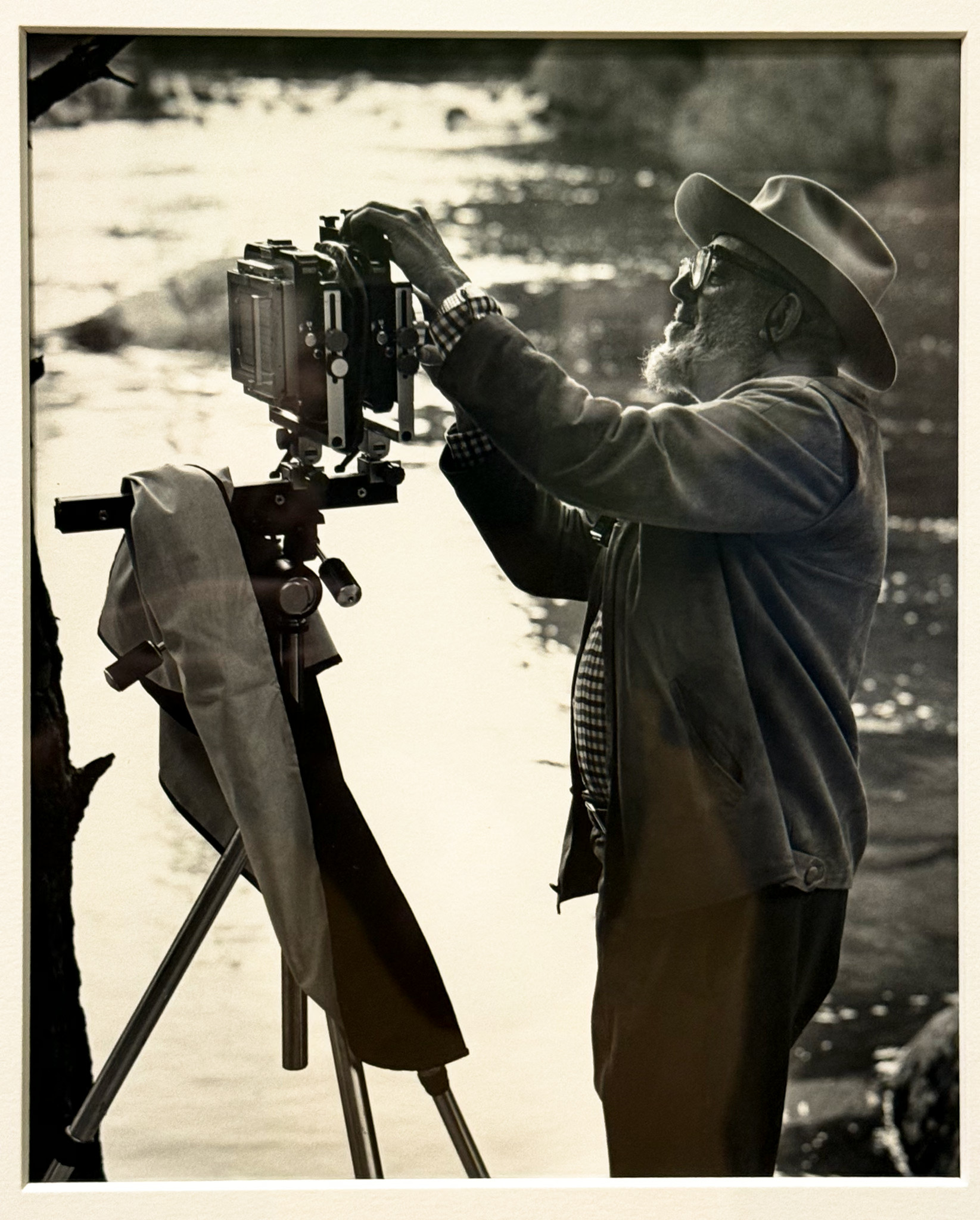
Tripod: This is a game-changer in many respects. A small tripod will expand the ability of the iPhone to shoot in low light, letting you shoot in even lower light than before and allowing the phone’s computer to use better quality source images in its blending computations. On my phone, you can handhold a night photo for ten seconds. On a tripod, you can make 30-second night exposures. There’s a pronounced difference in image quality. With a tripod, you can also feature yourself in a scene and stand farther away from the camera, rather than just shoot big-headed selfie-style images.
A tripod is also an incredible educational tool, sort of forcing/allowing you to pay more attention to what you are shooting, exactly how you are shooting it, and—super important!—notice what is going on at the edges of the frame. If you want to buy one piece of gear that will make a major difference in your photography, then buy a tripod.
Link: Peak Design Travel Tripod (Comes with phone holder)
Microphone: Shooting video? The DJI Mic 3 is incredible, a microphone you attach to your shirt with a magnet and which records straight to your phone with supernatural quality. This is the microphone all the YouTubers use, with good reason. It comes in kits of one, two, and three microphones, each with a base station (to be used with a big camera—the DJI can connect to your phone wirelessly without a base station).
Link: DJI Mic 3
Ladder step four: Buy a camera.
There is no perfect camera, no best camera. If you are into shooting wildlife, I’d recommend a camera with fast focusing and a very strong telephoto lens. Sony seems to be in the lead in this area, with Canon and Nikon not far behind. For macro, you are going to be looking carefully at lighting, perhaps purchasing specialty flash set-ups. For the camera, Olympus offers capabilities here to allow for advanced macro techniques more than the other brands. For shooting sports, you’ll want a lens that can magnify enough to get the shot from down the field, but also a lens that can zoom quickly and maintain focus. Canon has long been popular here, with Sony more and more, and Nikon is still in the game.
But I don’t have any of these. I’m a Fuji guy. I have a huge Fuji camera with huge heavy lenses, none of which I recommend to anyone but a narrow range of serious photographers.
For the other 99.9% of people–and especially for travel photographers in vans–the camera I recommend after “graduating” from an iPhone is the Fuji x100vi. It looks like an old film camera. It has dials and rings and you look through a little eyepiece which, if you want, can show you the view optically rather than on a tiny screen. It has a fixed, moderately wide lens but you can buy accessory lens attachments from both Fuji (expensive) and Viltrox (less expensive) to make the view wider or more zoomed-in. The Fuji x100vi has a cool factor, a high educational factor, and a high re-sale value.
That high-resale value is nice to have when you later say to yourself, “you know, my iPhone really is such a great camera…”
(The Fuji is usually out of stock–it is hard to get for a reason.)
Link: Fuji x100vi
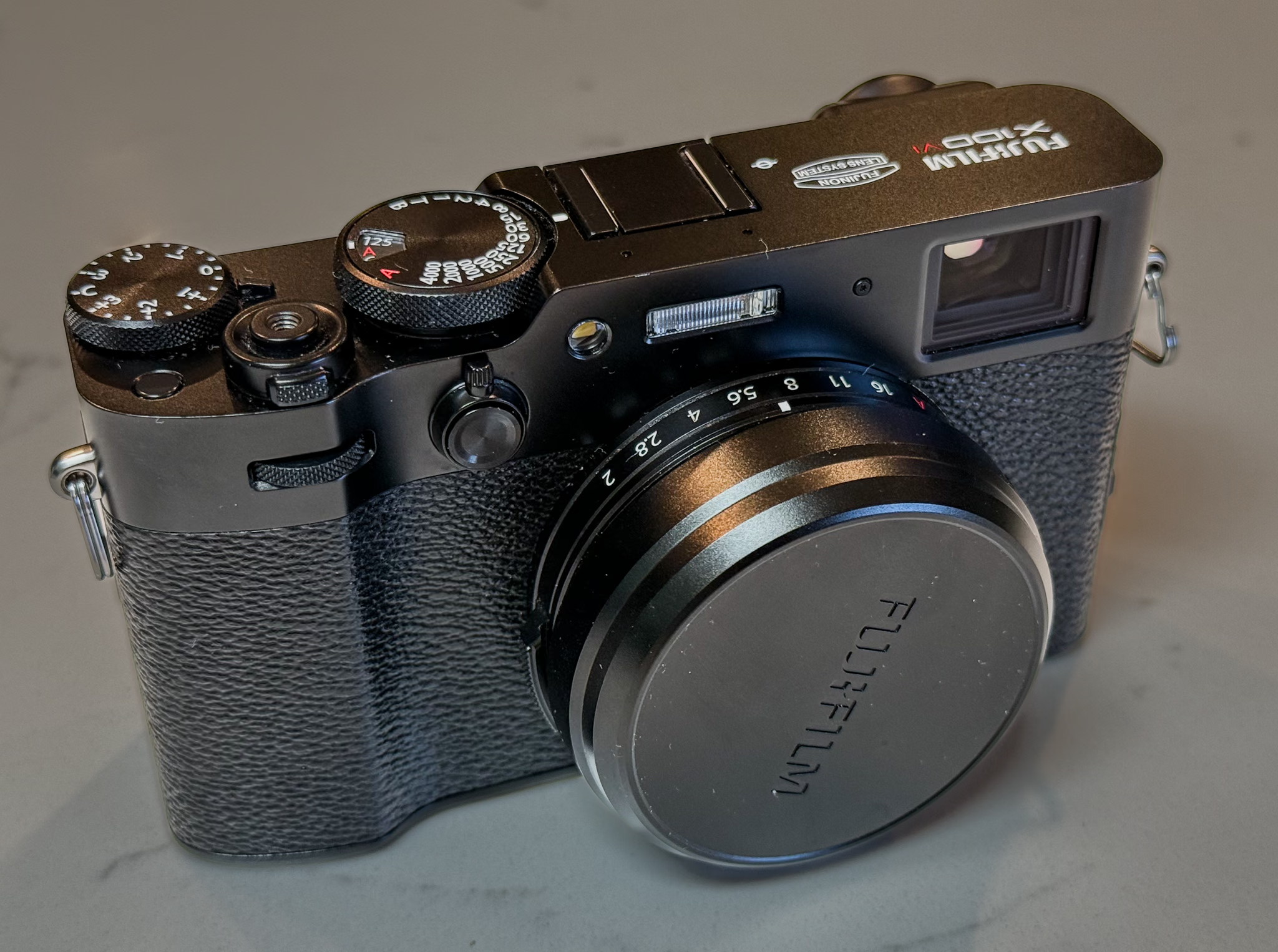
All of these recommendations keep your gear to a minimum in size and expense. Too often (just stop by the popular forums on DPReview), the photographic experience turns into more of a shopping experience, and the recommendations of all those influencers are–I hate to say this out loud and sound cynical–geared toward encouraging you to click their links and buy more gear. Don’t get caught up in the stuff-buying hamster wheel! Creative people can make (and they have made) great photos with the cheapest and junkiest of cameras–and we’ve all got a miraculous picture-taking machine already in our pockets.